

Purpose Manager
Build the whitelists that decide what any form is allowed to read, write, and run.
For Salesforce administrators.
Purpose Manager lives in the Flux Forms Setup app (App Launcher → Flux Forms Setup) and needs the Flux Forms - Configuration permission set.
It walks you through three levels: Purposes → sObjects → Fields.
1. Purposes
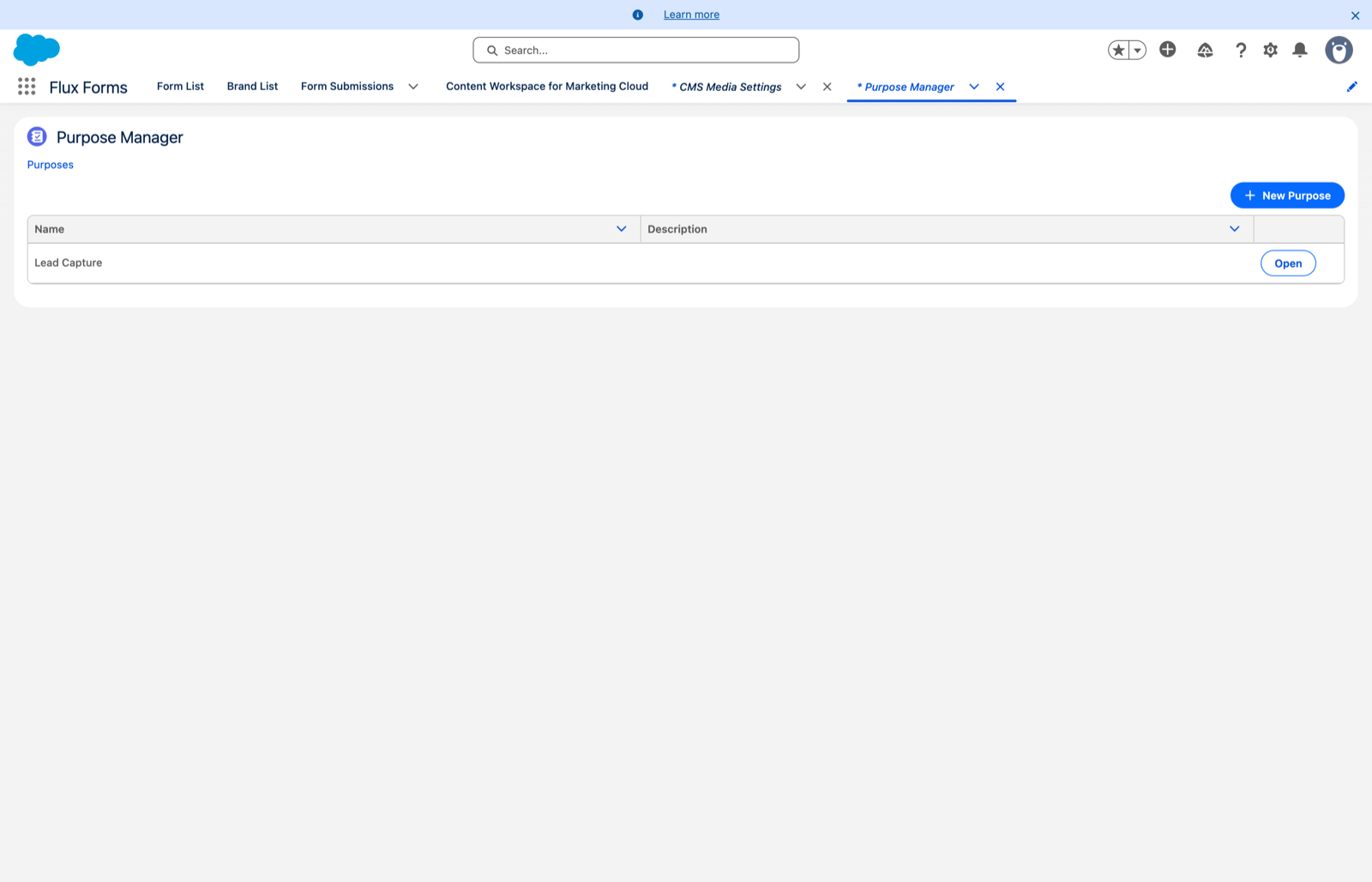
The tool opens on the list of existing purposes.
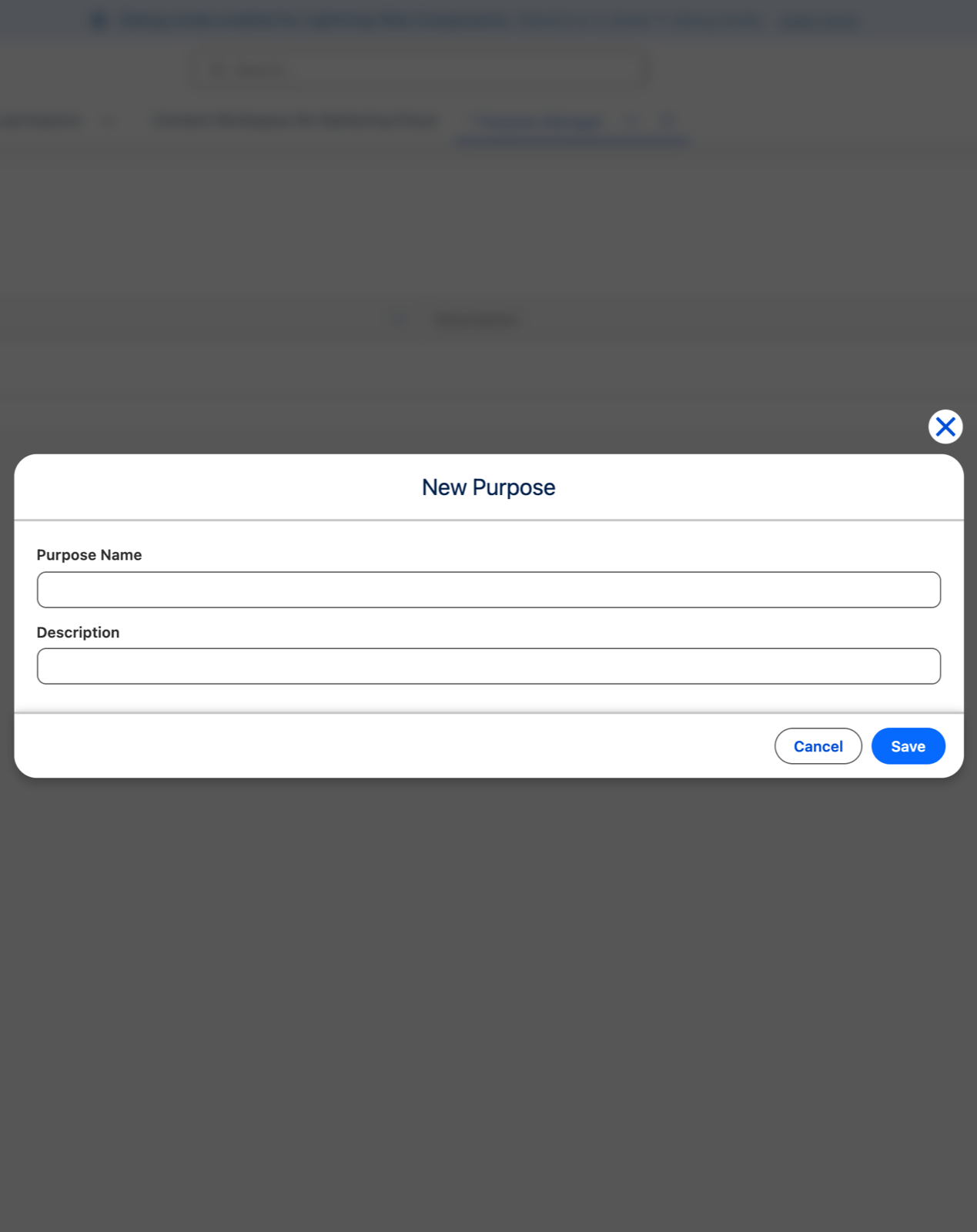
- New Purpose opens a dialog for a Purpose Name and an optional description, then Save.
- Open on a row edits an existing purpose. Its Edit Purpose button opens the same dialog.
Name purposes after the job they do — Lead Capture, Event Registration — since marketeers pick from these names with no other context.
2. sObjects
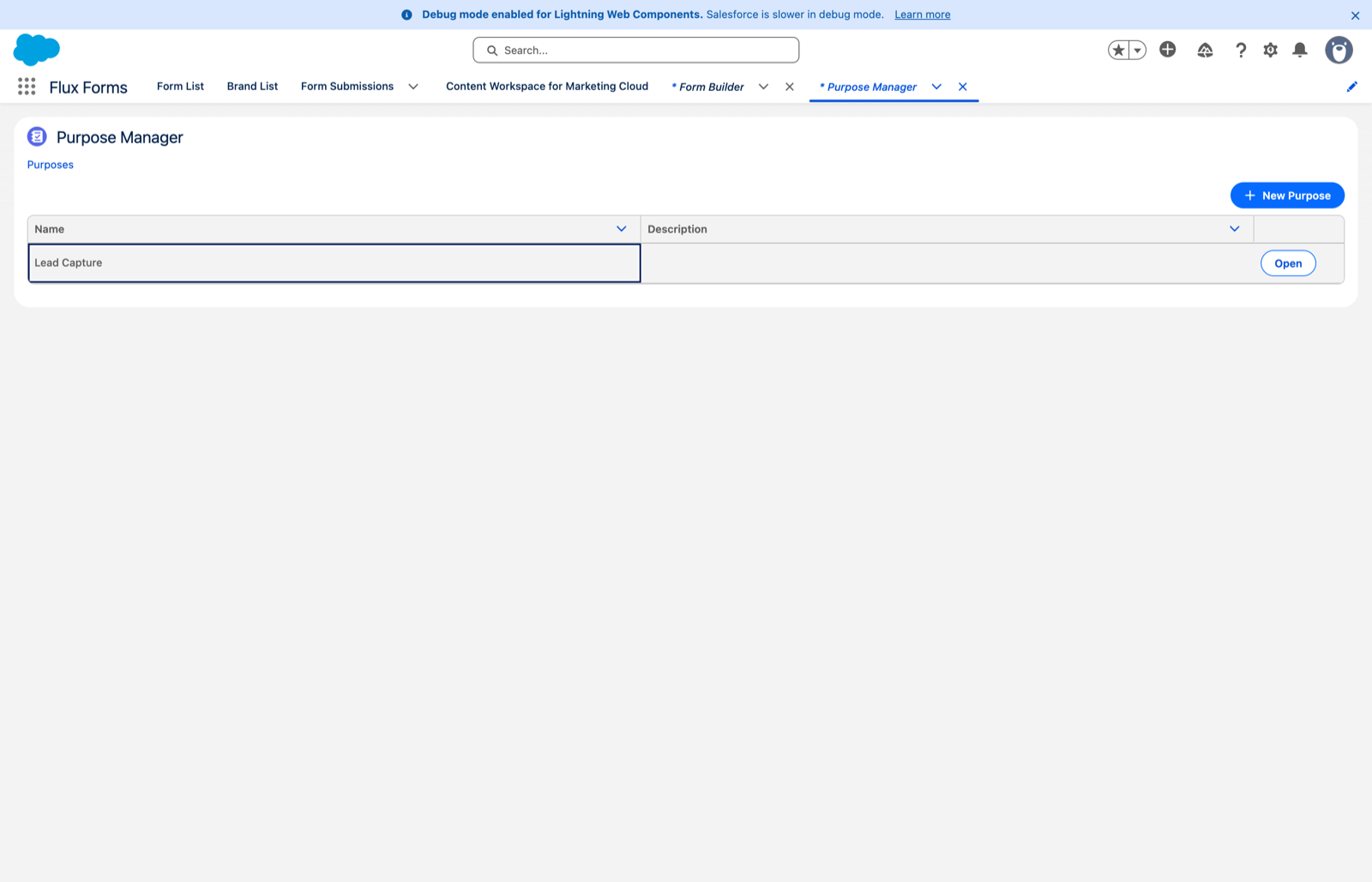
With a purpose open, you see the objects it already covers, each with a field count.
- Add sObject opens a search dialog. Type at least two characters to search any object you can access, then pick one.
- Open on an object already in the list edits its fields.
3. Fields
The chosen object lists all its accessible fields, each with a Read and an Edit checkbox. Both start unchecked.
- Tick Read to let a form prefill from that field.
- Tick Edit to let a submit action write to it.
- A field is whitelisted only while at least one box is checked. Clearing both removes it on save.
- Use the filter box to narrow long field lists, then Save.
Use the breadcrumbs at the top to step back to the object list or the purpose list.
Grant the narrowest access that works. Read where a form only prefills; edit only where it genuinely writes. This is the guardrail that stops a public form from being pointed at a sensitive field, so a purpose that grants edit on everything defeats the feature.
Flows
Below the objects, each purpose has a Flows section — the flows a form using this purpose may invoke from a submission action. See Whitelist flows.
A row flagged Needs Apex handler is an on-demand flow that cannot run until a proxy class is registered. It is a warning, not a block, and it clears on its own. See Apex Handler Settings.
Apex actions
Below the flows, an Apex actions section approves the Apex classes a form using this purpose may run on submit. Add Apex handler lists the classes in your org that implement the Flux Forms handler interface, shows the inputs and outputs each one declares, and captures that contract with the approval.
Running Apex is at least as powerful as starting a flow, so it goes through the same whitelist. See Approve Apex handlers.
Then hand it over
Marketeers assign the finished purpose to their forms in the Form Builder's Purposes scope. Until they do, the purpose has no effect on any form.
You can still maintain the raw Purposes and Purpose Fields records from their own tabs if you prefer, but the Purpose Manager is the intended route.