

Flow actions — branching and early exit
Go to section, submit early, or block a visitor at an end screen.
Three of the conditional-logic actions do not change a field — they steer where the visitor goes when they click Next (and, for Block, Submit). They are called flow actions.
They apply to stepped forms — the exception being Submit the form and Block, which also apply to single-screen forms at the moment of submit. Flow actions have no Show/Hide-style outcome: you just pick a destination.
The three actions
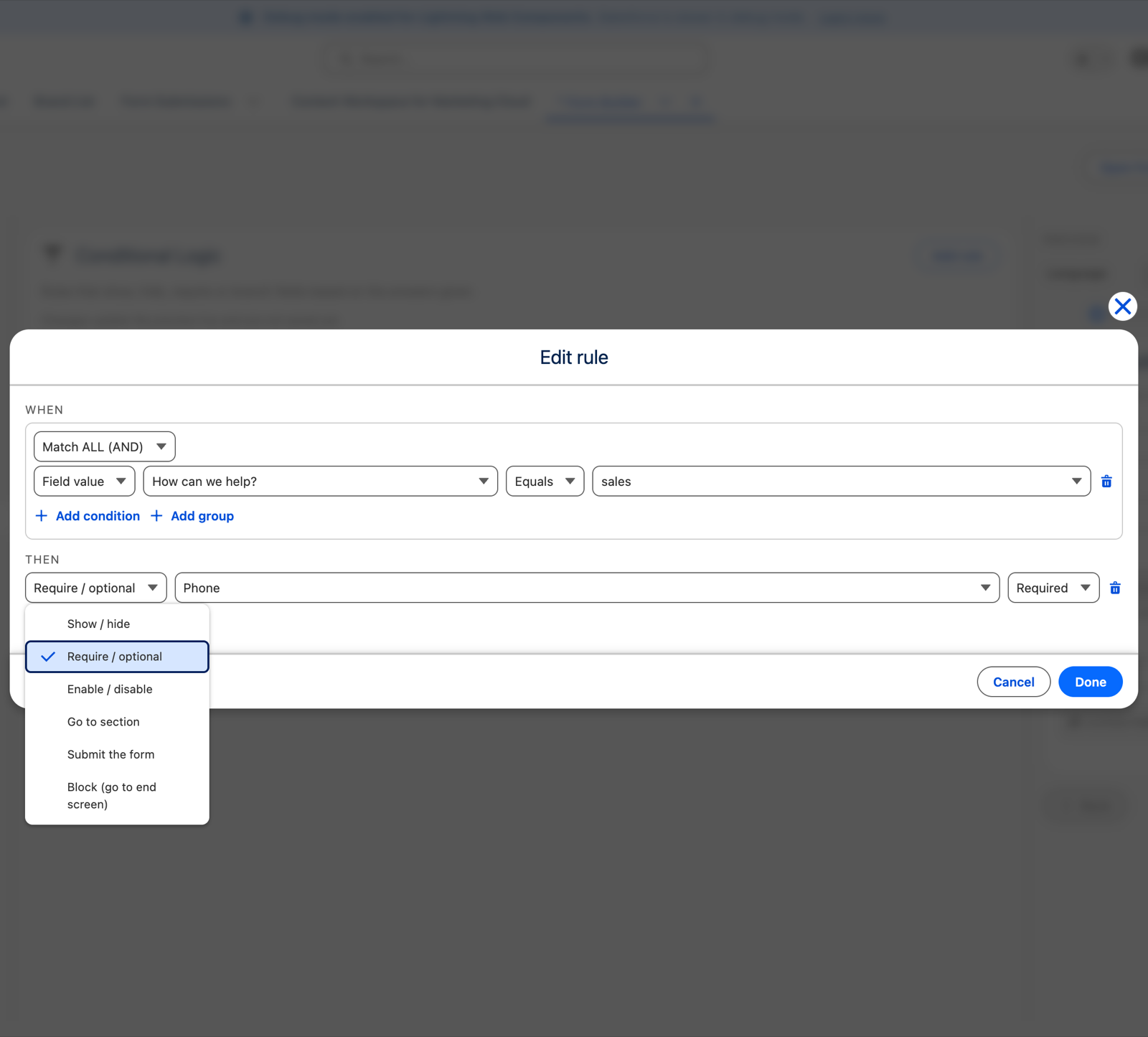
Go to section
When the conditions hold, clicking Next jumps the visitor forward to the section you choose, skipping everything in between. This is how you build a branch — "if not a customer, skip the account details section".
- The required fields of skipped sections are not checked, so a skip never blocks submission.
- A Go to section pointing at the current or an earlier section is ignored — Next just moves on normally. A branch cannot trap the visitor in a loop.
Submit the form
When the conditions hold, clicking Next validates the current screen and then submits immediately, ending the form early — a screening answer that means there is nothing more to ask. Sections after that point are skipped and their required fields are not checked.
Block (go to end screen)
When the conditions hold, the visitor cannot continue. The form ends on the End Screen you choose and nothing is submitted — no record is created. Use it for a dead-end, "you do not qualify" outcome.
Block is a presentation gate, not a security control. It stops a visitor in the browser. Do not use it as the only thing standing between someone and an outcome that matters.
They are also checked on load
This catches people out, so it is worth being explicit.
Flow actions are evaluated when the form loads, not only when Next is clicked. If a flow action's conditions are already satisfied by values that arrive with the form — field defaults, prefilled values from a personalised link, or the visitor's language, branding or URL parameters — it takes effect immediately.
That is deliberate: a link that already determines the outcome should not make the visitor click through first.
One safeguard: an on-load Submit only fires if the first screen's required fields are already filled in. An incomplete form is never auto-submitted.
First match wins
For flow actions, the first matching rule of each kind is used — unlike field effects, where the lower rule wins. Order your rules accordingly. See Conditional logic.