

Saving
What Save does, what it does not do, and why it sometimes refuses.
The Save button in the Form Builder header stores everything you have edited for the form.
- As soon as you make a change — a field, a translation, anything — Save becomes enabled.
- Click Save. A confirmation appears and the button greys out again until your next change.
What Save does

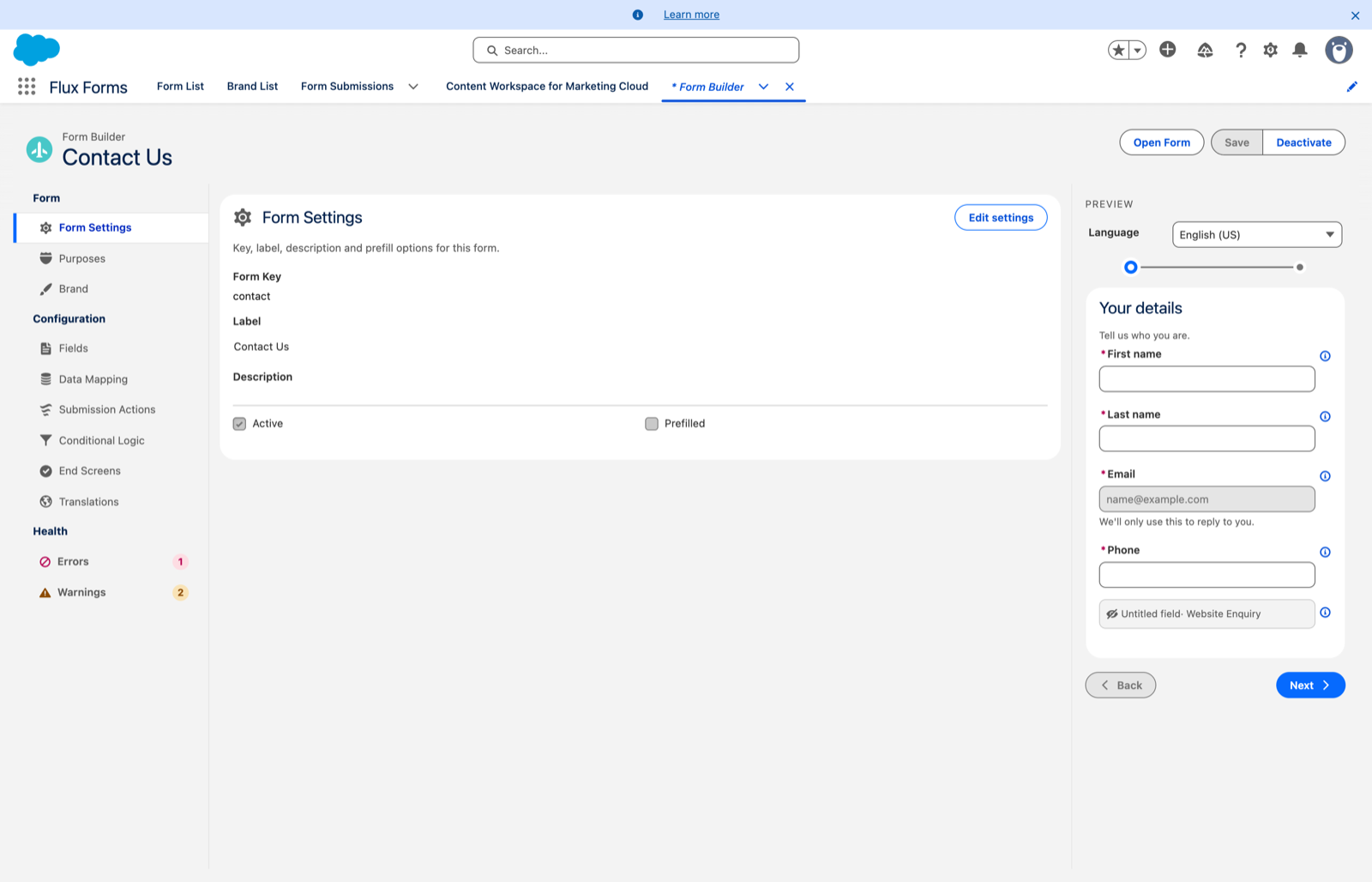
Save updates the form's working configuration in place — the Active version if there is one, otherwise the most recently edited draft.
It does not create a new version, and it does not change whether the form is published.
What Save does not do
- It does not publish. Publishing is the Activate / Deactivate button. Save alone never changes a form's Active status. See Activate and deactivate.
- It does not create forms. New forms come from the Form List's New Form dialog. The builder edits an existing form.
- It never changes the Form Key.
Unsaved changes are discarded
If you reload, or open another form without saving, unsaved edits are gone. There is no recovery.
When Save refuses
Field access is enforced on Save. If a submission action writes a Salesforce field, or a data mapping reads one, that the form's assigned Purposes do not grant — edit access for writes, read access for reads — Save is rejected with a message naming the field.
The fix:
- Have an administrator add the field to a purpose in Purpose Manager.
- Assign that purpose to the form in the Purposes scope.
- Save again.
A form with no purposes assigned cannot save any Salesforce field reference at all.
Save is also blocked if the Label is empty, with an inline message on the field.