

Choose a brand
Pick which theme this form uses — a form-level choice, saved with your edits.
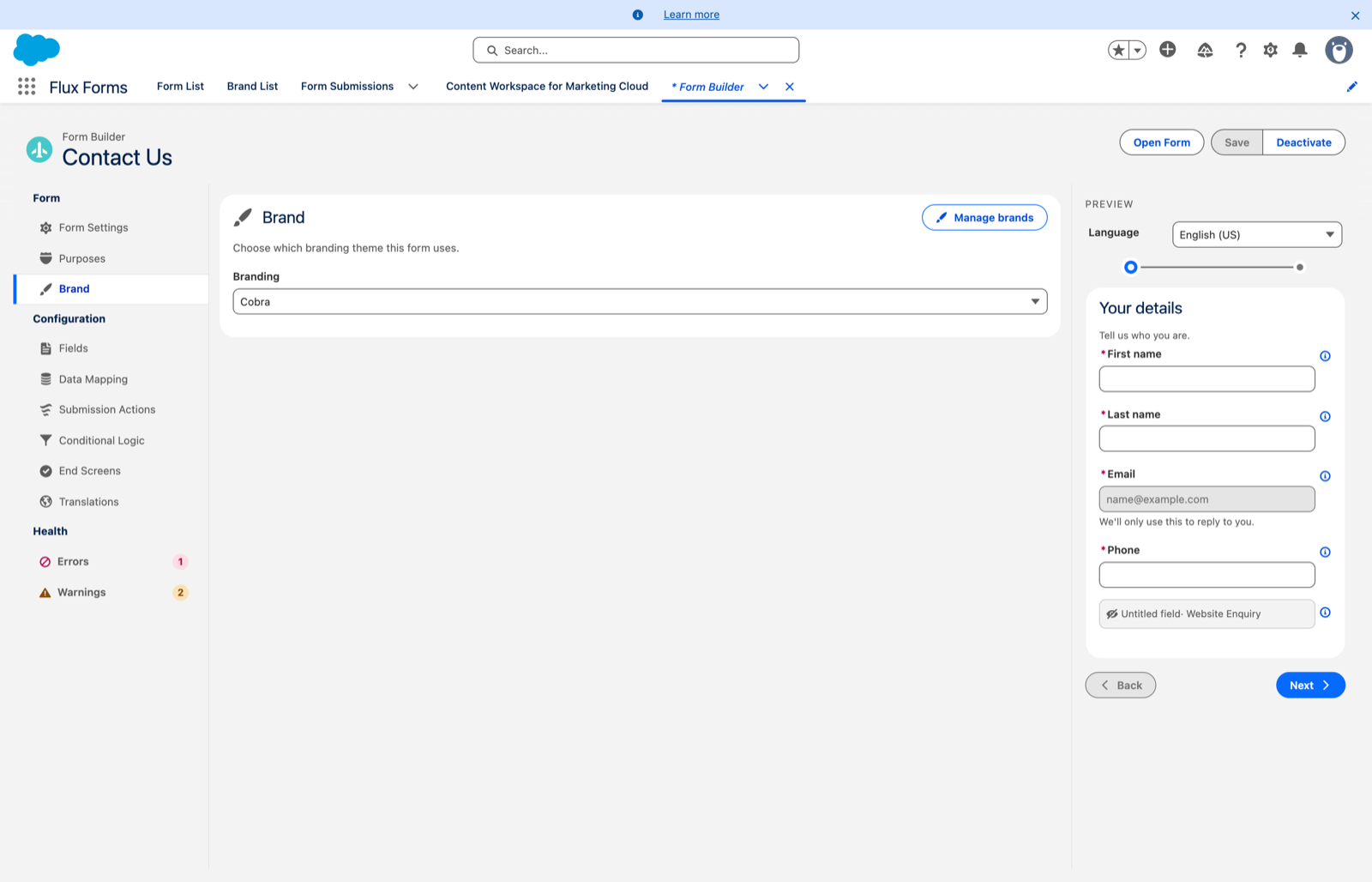
The Brand scope, under Form in the sidebar, is where you pick which branding theme this form uses.
The Branding dropdown chooses the theme, or None to use the org default. This is a form-level choice, saved with the rest of your edits when you click Save in the header.

Editing the themes themselves
Click Manage brands at the top-right of the panel header. That takes you to the standalone Brand Builder, where the shared themes are created and edited. See Brand Builder.
The split is deliberate:
- Which theme a form uses → here, per form.
- What a theme looks like → the Brand Builder, once, for every form using it.
A warning worth repeating
Themes are shared. Editing a theme in the Brand Builder changes every form that uses it. If a change is meant for one form only, Duplicate the theme first and point this form at the copy.
Previewing a brand on this form
Use Open Form in the header. Its Branding dropdown lets you open the live form with any theme applied instead of its own, without changing the form. See Open the live form.