

Activate and deactivate
Publishing is one button, separate from Save, and it takes effect immediately.
Publishing a form is a separate action from saving. The Form Builder header shows a single publish control reflecting the form's current status.
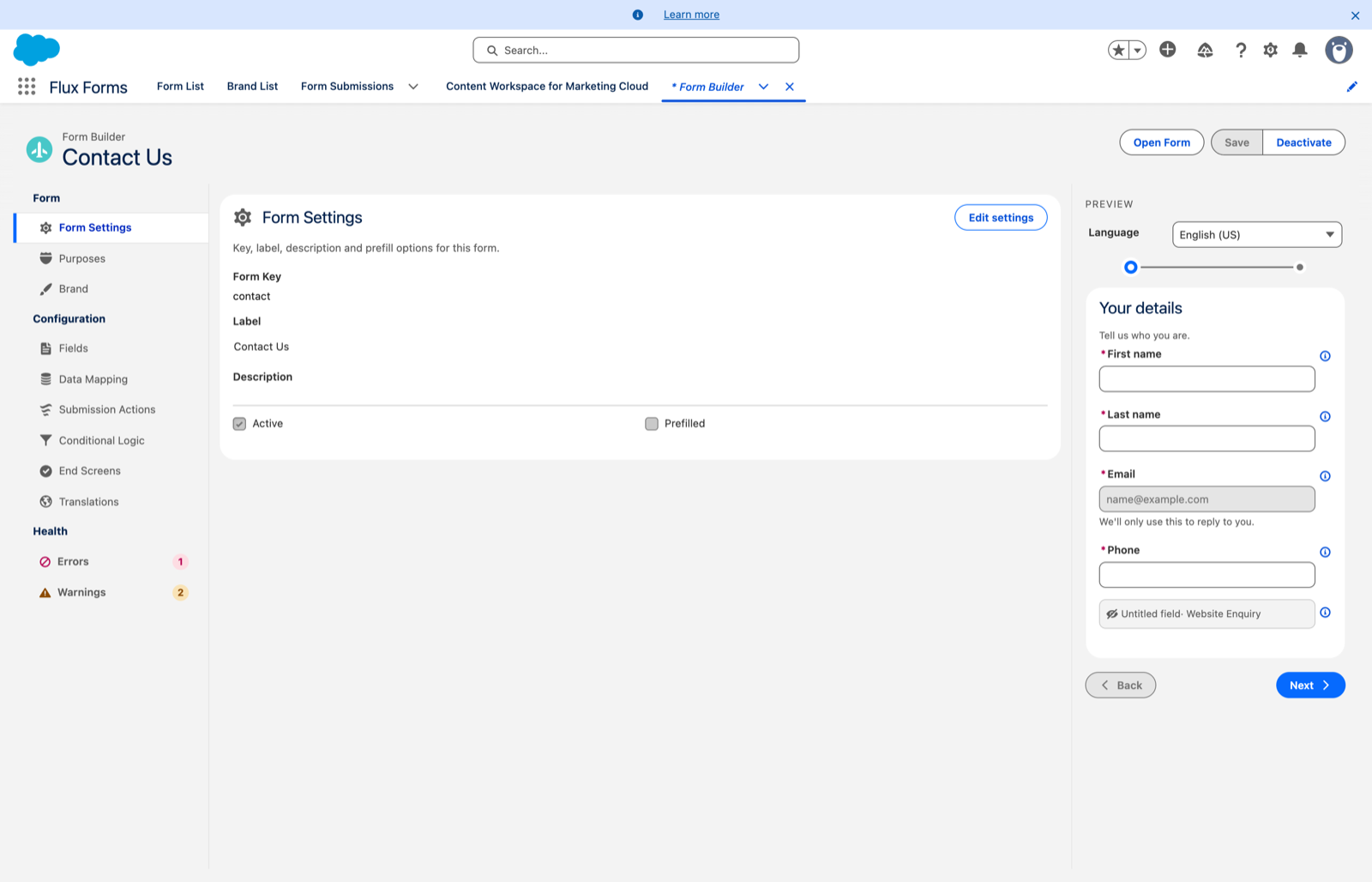
- When a form is a draft, the header shows Activate. Click it to publish — the status badge changes to Active. A form must have a saved configuration before it can be activated, and no health errors.
- When a form is Active, the header shows Deactivate. Click it to unpublish and return it to Draft.
Activating or deactivating only changes the published status. It never alters the content you are editing, so any unsaved changes remain in place. Use Save for content.
Active is what makes a form public
Once your administrator has set up the public forms website,
an active form is reachable by anyone with its link (…/forms?f=<form key>) — no login required.
Two consequences:
- Deactivate takes it offline immediately. Visitors who open the link afterwards see an "unavailable" message. Existing submissions are untouched.
- Only the Active version is ever shown publicly. Drafts are never visible on the public link, so you can edit and save freely while the live version keeps running.
A form that has never been activated is not reachable at all.
This is the safe way to work on a live form: edit and Save as much as you like against the active version — visitors keep seeing the last state you saved. There is no separate "publish content" step, so a save on an active form is live immediately. If you need to stage bigger changes, create a new config version rather than editing the live one. See Forms and configs.